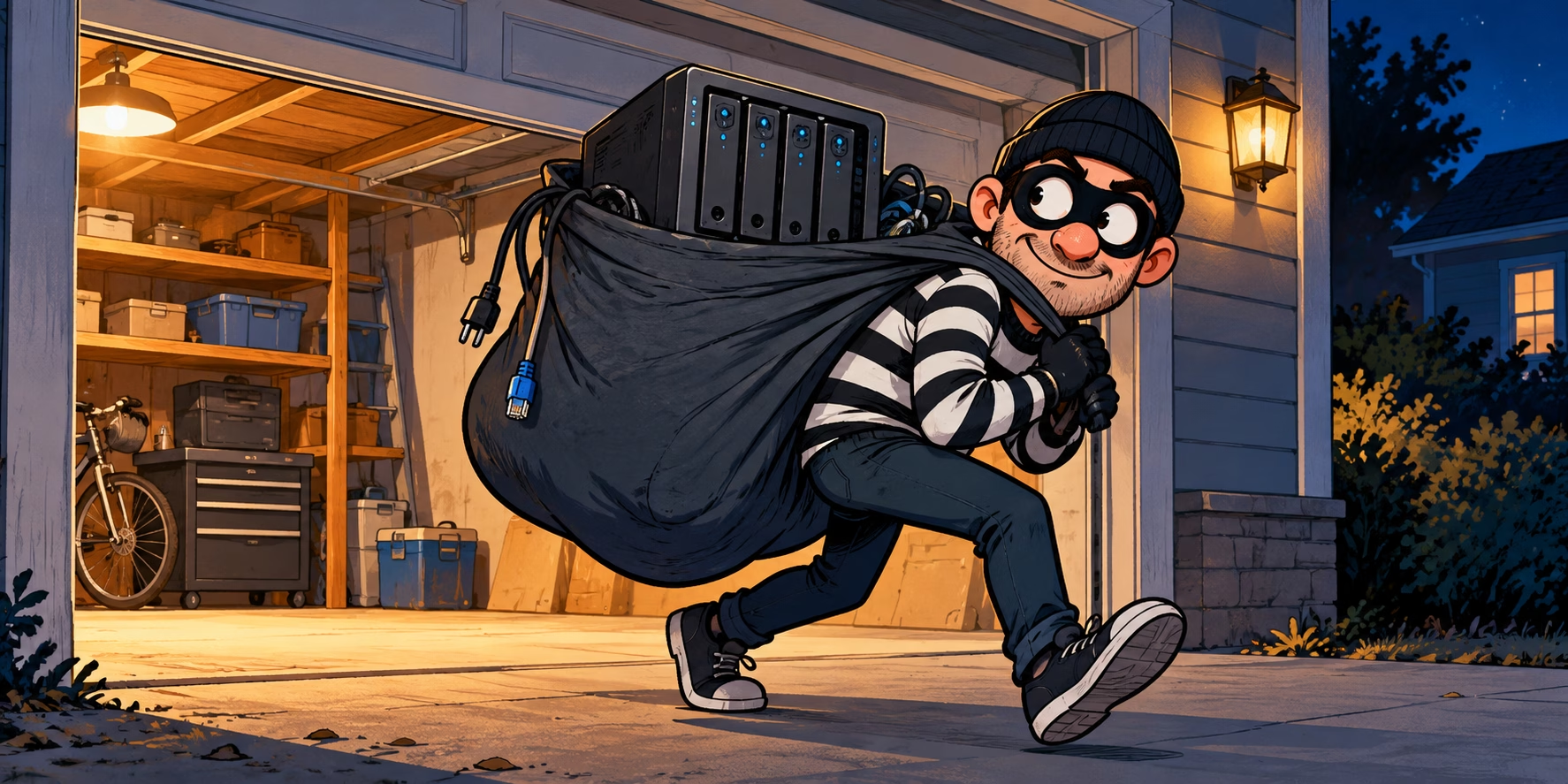
My homelab lives in the garage. Handy for keeping the fan noise out of the house, but garages aren’t exactly Fort Knox… If somebody walks off with a server, losing the box is annoying enough without handing over all the data as well. Think passport scans, tax records, personal documents and backups full of account credentials. Quite a useful haul for somebody who fancies a bit of identity theft.
Enter LUKS. What are we encrypting?
LUKS is the usual Linux route to disk encryption. While the volume is locked, somebody with the disk can’t just plug it into another machine and browse through it. The interesting bit with Proxmox is deciding where to put the encryption:
LVM organises storage; it doesn’t encrypt it. For this setup I want LUKS underneath LVM, with the host root, swap and guest volumes inside it. Encrypting just the VM storage pool leaves the host’s own files sitting outside, including the configs I’d rather not give away.
How would I actually set this up?
If you’re building a new node, sort this out at installation time. Install a minimal Debian base with encrypted LVM, then put Proxmox on top. Much easier than trying to squeeze encryption into an existing boot disk later.
Already running Proxmox? I’d back up the VMs and containers to PBS somewhere outside that node and check I can restore them, or migrate them to another suitable node while keeping the backups. Grab the host’s network and storage configs too, and don’t forget bind mounts or passthrough data that the guest backups might miss. Then rebuild the empty node and bring everything back.
Retrofitting LUKS can be possible, depending on the disk layout, but it’s fiddly and a fairly unpleasant place to discover you’ve made a mistake. I’d rather start fresh.
What happens when you turn it on?
Once the root volume is encrypted, Proxmox can’t just boot straight up. A small early-boot environment starts first and waits for the disk passphrase. This is before the host and its guests start, and it’s separate from your normal Proxmox login:
Early boot starts.
Root is still locked.
Supply passphrase.
Host, then guests.
Unlock cryptroot:
Enter passphrase: ▌
A slight catch with “full OS encryption”: the boot files normally stay unencrypted. Protecting those against somebody fiddling with them is where boot integrity, Secure Boot and TPMs come in. And after the disk has unlocked, you’re still relying on the OS and account security as usual.
Great. Until it reboots while you’re away.
A kernel update needs a reboot, or a power cut outlasts the UPS. The power comes back… and the server just sits at that prompt. No NAS, no VMs, and possibly no Home Assistant or cameras until you get a console and type the passphrase.
Power returns → unlock prompt → guests wait.
Sticking an unprotected key alongside the encrypted data rather defeats the point. What I want is for the server to unlock itself at home, but stay locked when somebody carries it away. That does depend on what the unlock service checks and whether the thief takes that too, so there’s a bit more to it than “on my network = safe”.
That’s where Tang and Clevis come in. First I’ll build the encrypted Debian/Proxmox base, then get automatic network unlock working, with a recovery passphrase for the inevitable day something else on the network decides not to play.
And yes, I still need backups! Encryption won’t bring a dead disk back, and any copies outside this encrypted volume need their own protection.
Leave a Reply